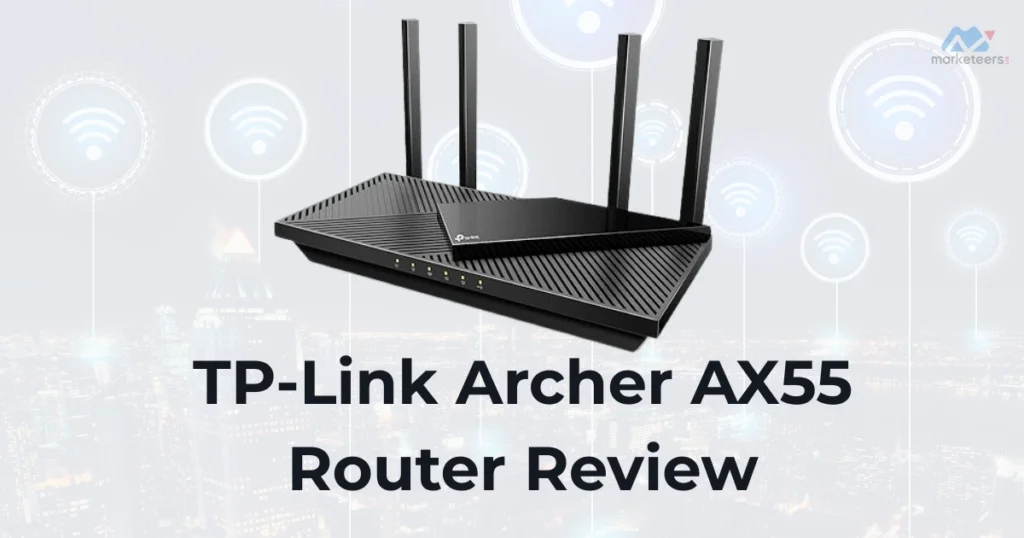

The TP-Link Archer AX55 Router is a cost-effective Wi-Fi 6 aimed at users seeking enhanced wireless performance for home networks. As an AX3000 model, the TP-Link Archer AX55 provides dual-band connectivity suitable for streaming, browsing, and connecting multiple devices in average-sized homes. This review covers essential details to assist buyers in evaluating if the TP-Link Archer AX55 meets their requirements.
Pros and Cons of the TP-Link Archer AX55
Pros
- Budget Wi-Fi 6 upgrade with speeds up to 2402 Mbps on 5GHz for smooth 4K streaming and online tasks.
- Includes USB 3.0 port for sharing files or printers, adding versatility not always found in entry-level routers.
- Supports advanced features like MU-MIMO and OFDMA for better multi-device handling without lag.
- Compatible with Alexa and OneMesh for easy smart home control and mesh expansions.
- Strong security options including WPA3 and HomeShield for basic parental controls and threat protection.
Cons
- 2.4GHz band limited to 574 Mbps, which may struggle in high-interference areas or with many legacy devices.
- Occasional firmware glitches reported, potentially causing temporary connection drops or setup hurdles.
- No tri-band support, so it might not handle ultra-high device counts as well as premium models.
- Heat management is improved but can still warm up during prolonged heavy use in warmer environments.
- Lacks dedicated gaming optimizations, making it less ideal for competitive online play compared to specialized routers.
As an Amazon Associate, we earn a commission from qualifying purchases at no extra cost to you.
TP-Link Archer AX55 Specifications
Drawing from the Wi-Fi 6 router category, the TP-Link Archer AX55 offers:
- Wireless Standards: IEEE 802.11ax (Wi-Fi 6), compatible with 802.11a/b/g/n/ac.
- Bands and Speeds: Dual-band with 2.4 GHz (up to 574 Mbps) and 5 GHz (up to 2402 Mbps), totaling AX3000.
- Processor: 1GHz dual-core CPU with 512MB RAM for managing everyday traffic.
- Ports: 1 Gigabit WAN, 4 Gigabit LAN, and 1 USB 3.0 for media sharing.
- Antennas: 4 high-gain external antennas supporting beamforming and 160 MHz channels.
- Security: WPA3 encryption, VPN client/server, and HomeShield for IoT protection.
- Dimensions and Weight: 10.3 x 5.7 x 1.5 inches, approximately 1.66 pounds.
- Additional Features: Target Wake Time for battery savings, EasyMesh compatibility, and QoS for bandwidth prioritization.
These attributes make the TP-Link Archer AX55 a practical option for internet plans up to 1 Gbps.
Design and Features of the TP-Link Archer AX55
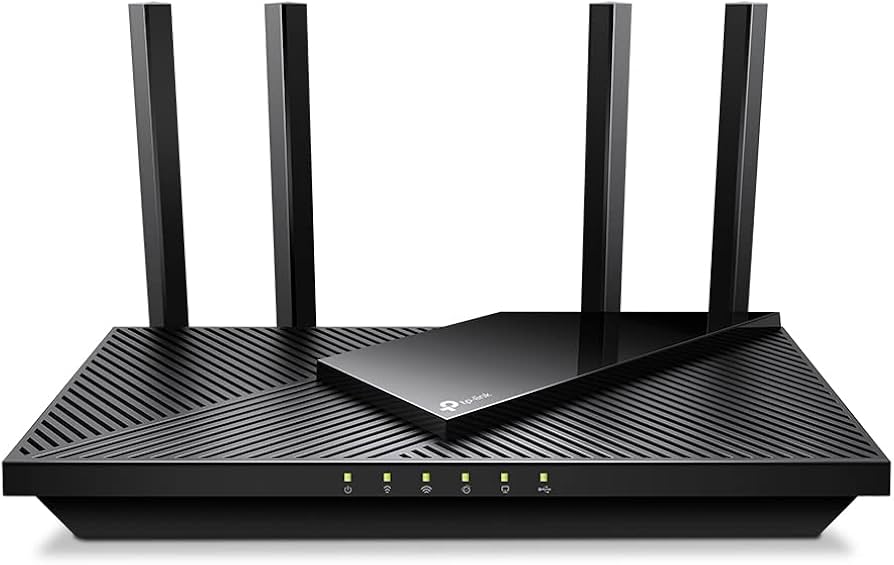
The TP-Link Archer AX55 features a matte black chassis with four adjustable antennas for directed signal strength. Its slim profile fits easily on desks or walls, blending into most home setups. Core features encompass beamforming for targeted coverage, MU-MIMO for concurrent streaming to devices, and 1024-QAM for efficient data transfer—common in mid-range Wi-Fi 6 routers.
In this segment, expect integrations like Alexa voice commands for toggling settings. Typical limitations include no built-in modem, requiring a separate unit from your ISP. Everyday scenarios involve families in 1,500-2,500 sq ft spaces managing smart bulbs, cameras, and laptops seamlessly.
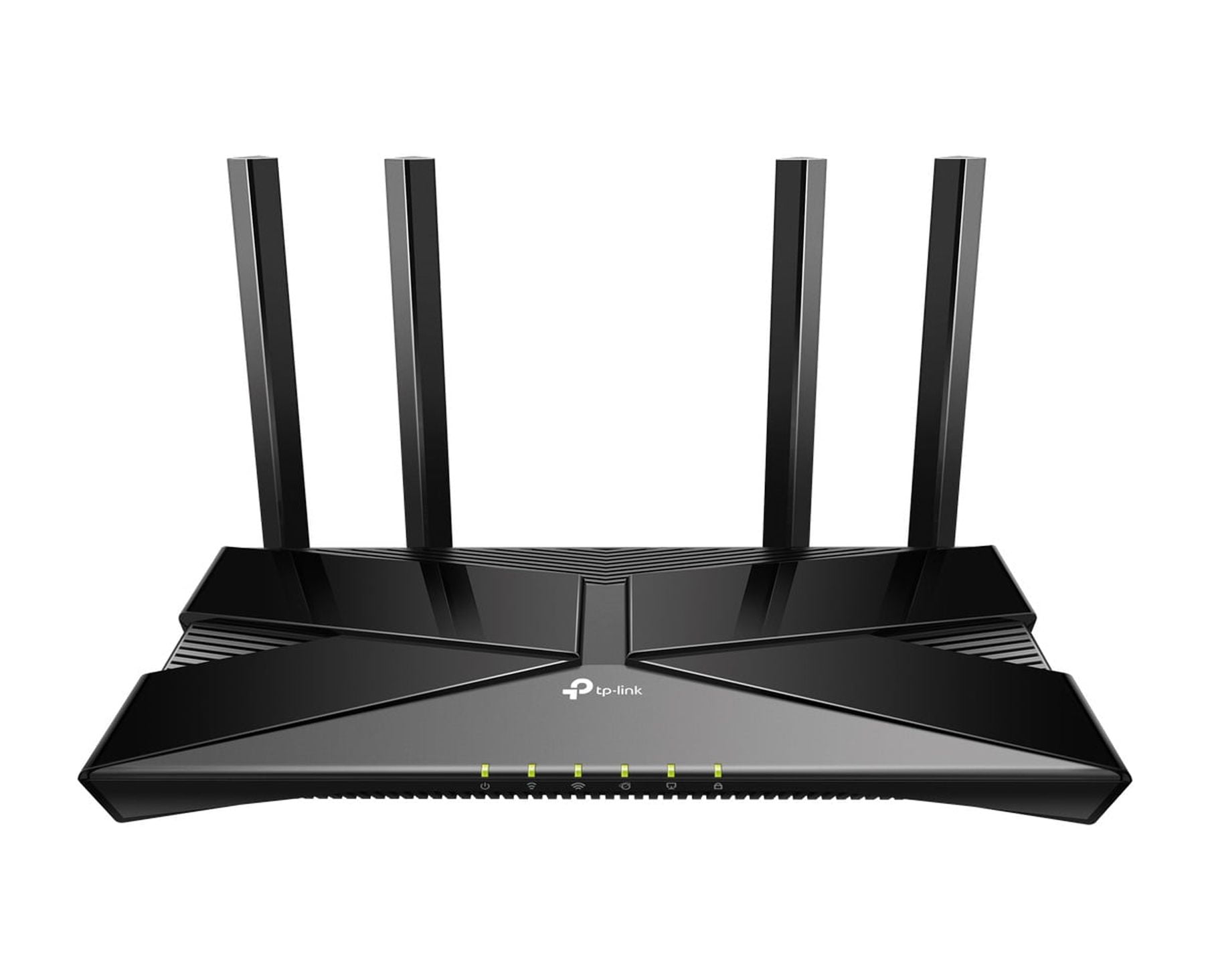
Image Credit: Walmar
For a closer look, view this unboxing and review video from Amazon affiliates:
As an Amazon Associate, we earn a commission from qualifying purchases at no extra cost to you.
Setup and Installation of the TP-Link Archer AX55
Installing the TP-Link Archer AX55 is user-friendly, often completing in under 15 minutes using the Tether app or web portal at tplinkwifi.net. Plug into your modem, configure networks, and enable features like guest access. It pairs well with providers such as Spectrum or Xfinity.
Common setup challenges may involve firmware checks or WAN detection, but resets usually resolve them. Ideal for novices in apartments or homes needing quick Wi-Fi enhancements for video calls or casual browsing.
Performance and Speed Tests for the TP-Link Archer AX55
Real-world tests show the TP-Link Archer AX55 achieving 500-800 Mbps on 5GHz near the router, ideal for HD content and file downloads. The 2.4GHz band offers reliable range but caps at 150-300 Mbps through obstacles. OFDMA shines in busy households, minimizing delays for Zoom or smart home gadgets.
Drawbacks surface in crowded Wi-Fi zones, where interference can reduce speeds. Suited for users with 20-40 devices engaging in streaming or light gaming.
Who the TP-Link Archer AX55 Is For / Ideal Use Cases
The TP-Link Archer AX55 targets value-driven consumers upgrading to Wi-Fi 6 in small to mid-sized homes. Perfect for families with streaming needs on 300-600 Mbps plans or remote professionals requiring stable connections. Avoid if you need extensive coverage—opt for mesh add-ons.
Rivals such as the Asus RT-AX55 provide comparable speeds but may excel in software depth. For budget buyers prioritizing reliability, the TP-Link Archer AX55 delivers solid utility.
Verdict / Conclusion on the TP-Link Archer AX55
In summary, the TP-Link Archer AX55 stands out as an accessible Wi-Fi 6 router blending affordability with capable performance for routine use. It excels in device management and basics but may require tweaks for optimal results. Recommended for those entering Wi-Fi 6 without excess spending—priced around $80-100 on Amazon.
Similar Products / Alternatives to the TP-Link Archer AX55
- Asus RT-AX55: Similar AX1800 speeds with robust AiProtection security for privacy-focused users.
- Reyee AX3000: Budget-friendly with easy setup, better for beginners seeking simple expansions.
- Netgear Nighthawk AX1800: Stronger range in dense areas, ideal for apartments with interference.
- TP-Link Archer AX50: Close sibling with minor tweaks in firmware for those preferring in-brand consistency.
These options surface in leading searches and offer tweaks in coverage or features.
FAQs About the TP-Link Archer AX55
How do I resolve firmware update issues on the TP-Link Archer AX55?
If uploads stall at 0%, try manual downloads from TP-Link's site and use a wired connection. Forum discussions on Tom's Hardware recommend avoiding beta versions to prevent compatibility problems.
Is the TP-Link Archer AX55 easy to set up for beginners?
Yes, via the Tether app, but WAN detection might require ISP resets. Reddit users note it's straightforward, though Ethernet-linked devices may need cable checks for full Gigabit speeds.
Why is my TP-Link Archer AX55 slower than expected?
Interference or outdated firmware can cap speeds; disable Smart Connect for manual band selection. Community posts highlight it's best for under 1 Gbps plans, with tests showing 500-800 Mbps optimally.
Can the TP-Link Archer AX55 work as an access point?
Absolutely, in access point mode it extends networks effectively. Tom's Hardware forums confirm it maintains Gigabit wired speeds, outperforming some basic extenders in multi-router setups.