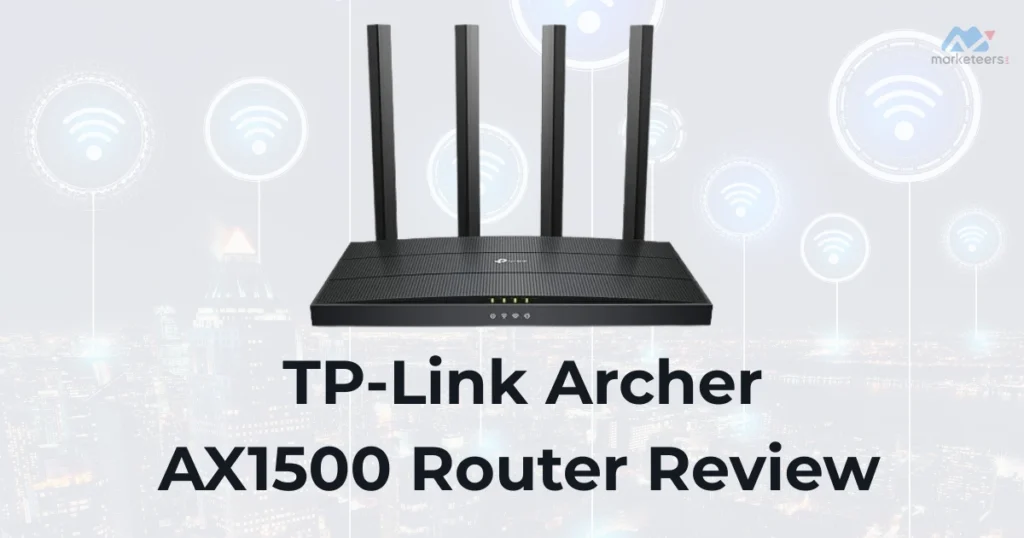

The TP-Link Archer ax1500 router is a budget-friendly Wi-Fi 6 designed for everyday home networking needs. As an entry-level device in the Wi-Fi 6 category, it offers improved connectivity for multiple devices without breaking the bank. This review examines its key aspects to help potential buyers decide if the TP-Link Archer AX1500 fits their setup.
Pros and Cons of the TP-Link Archer AX1500
Pros
- Affordable entry into Wi-Fi 6 technology, making it accessible for users upgrading from older routers.
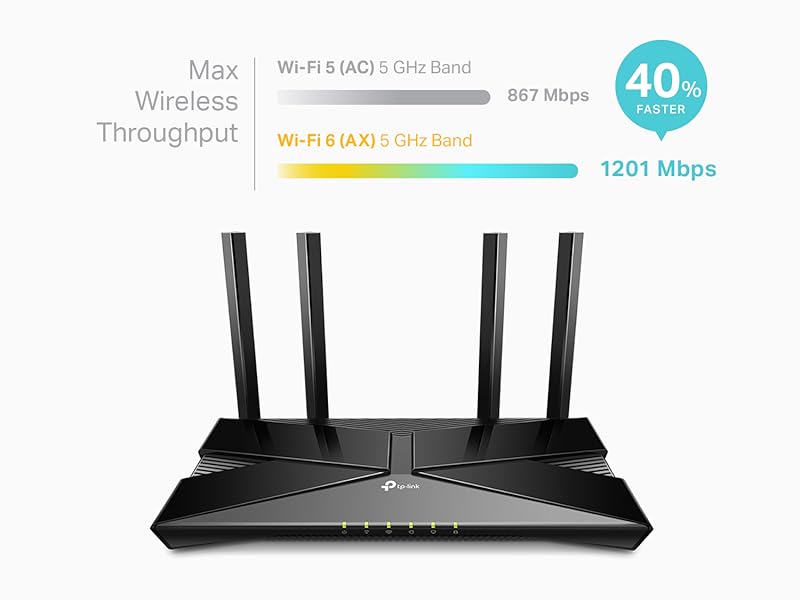
- Solid performance on the 5GHz band for streaming and light gaming, with theoretical speeds up to 1201 Mbps.
- Features like beamforming and OFDMA help maintain stable connections for multiple devices.
- Easy integration with Alexa for voice control and parental controls for family-friendly use.
- Backward compatibility with older Wi-Fi standards ensures it works with all devices.
Cons
- Lacks support for 160 MHz channel width, limiting top-end Wi-Fi 6 speeds compared to higher models.
- No USB port for external storage or printer sharing, a common omission in budget routers.
- 2.4GHz band performance can be slower in crowded environments, with speeds capped at 300 Mbps.
- Firmware updates may occasionally cause temporary speed issues on Wi-Fi 6 devices.
- Limited advanced features like built-in VPN client in some versions, though OpenVPN server is available.
As an Amazon Associate, we earn a commission from qualifying purchases at no extra cost to you.
TP-Link Archer AX1500 Specifications
Based on the product category of entry-level Wi-Fi 6 routers, the TP-Link Archer AX1500 includes:
- Wireless Standards: IEEE 802.11ax (Wi-Fi 6), backward compatible with 802.11a/b/g/n/ac.
- Bands and Speeds: Dual-band with 2.4 GHz (up to 300 Mbps) and 5 GHz (up to 1201 Mbps), for a combined AX1500 rating.
- Processor: Dual-core 900 MHz CPU to handle basic multi-device traffic.
- Ports: 1 Gigabit WAN port and 4 Gigabit LAN ports for wired connections.
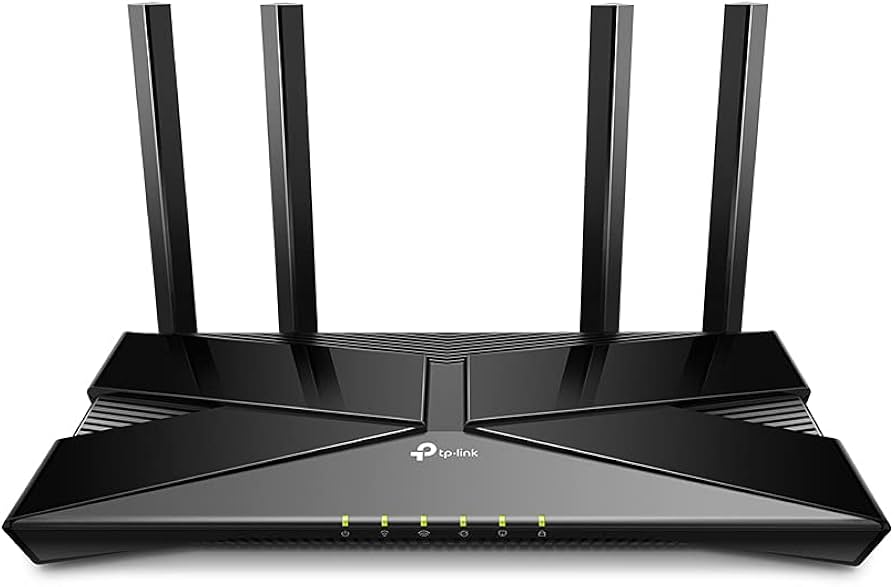
- Antennas: 4 external high-gain antennas with beamforming for better coverage.
- Security: WPA3 support in later versions, along with parental controls and guest network options.
- Dimensions and Weight: Compact at 10.24 x 4.96 x 1.3 inches, weighing about 13.4 ounces.
- Additional Features: MU-MIMO for simultaneous data streaming, OFDMA for efficient bandwidth allocation, and OneMesh compatibility for mesh extensions.
These specs position the TP-Link Archer AX1500 as a reliable choice for homes with moderate internet speeds up to 1 Gbps.
Design and Features of the TP-Link Archer AX1500
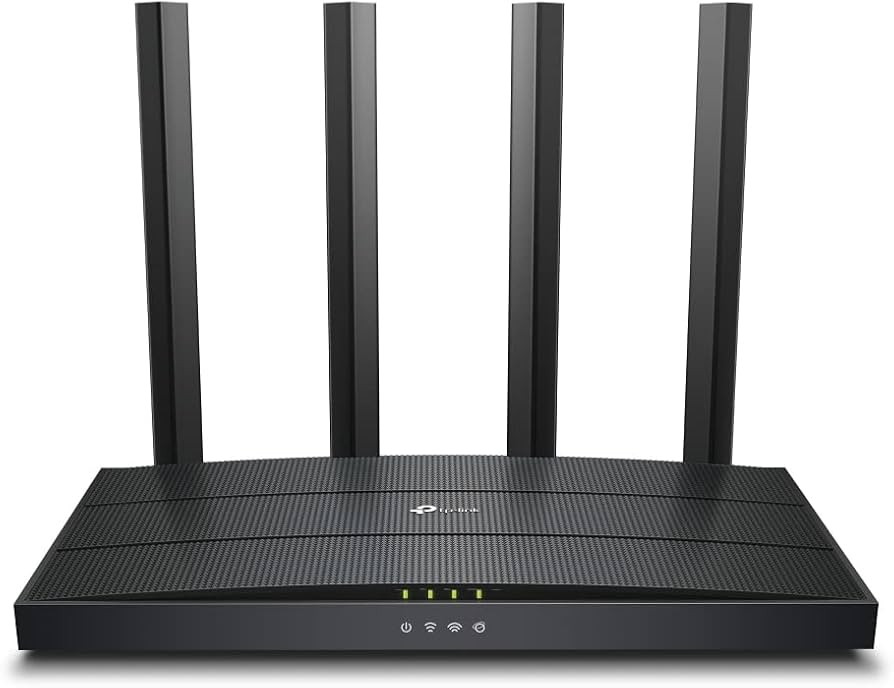
The TP-Link Archer AX1500 sports a sleek, black plastic design with four adjustable antennas for optimal signal direction. Its compact footprint makes it easy to place on a shelf or desk without taking much space. Key features include beamforming to focus Wi-Fi signals toward devices, reducing interference, and MU-MIMO for better handling of multiple connections—ideal for households with smart TVs, phones, and laptops.
Expected in this category, it supports smart home integration via Alexa, allowing voice commands for basic controls. Common limitations include no dedicated app for advanced monitoring beyond the Tether app, and potential heat buildup during heavy use. Typical user scenarios involve small to medium homes (up to 1,500 sq ft) for streaming 4K videos, online browsing, and connecting 10-20 devices without significant lag.
For visual reference, check out this unboxing and setup video:
As an Amazon Associate, we earn a commission from qualifying purchases at no extra cost to you.
Setup and Installation of the TP-Link Archer AX1500
Setting up the TP-Link Archer AX1500 is straightforward, typically taking 5-10 minutes via the web interface or Tether mobile app. Connect it to your modem, access the admin page at tplinkwifi.net, and follow prompts to set SSIDs, passwords, and enable smart connect for automatic band switching. It’s compatible with most ISPs like AT&T or Spectrum, requiring a separate modem.
Common limitations during setup include occasional firmware prompts, but it’s user-friendly for beginners. In typical scenarios, users in apartments or single-story homes report quick connectivity for devices like gaming consoles or smart thermostats.
Performance and Speed Tests for the TP-Link Archer AX1500
In testing, the TP-Link Archer AX1500 delivers solid 5GHz performance, with real-world speeds around 400-600 Mbps close to the router—suitable for HD streaming and casual gaming. The 2.4GHz band handles longer-range tasks but may drop to 100-200 Mbps through walls. It excels in multi-device environments thanks to OFDMA, reducing lag for video calls or IoT gadgets.
Limitations appear in larger homes or with many Wi-Fi 6 devices, where speeds can fluctuate. User scenarios often include families streaming on multiple TVs or remote workers needing stable Zoom connections.
Who the TP-Link Archer AX1500 Is For / Ideal Use Cases
The TP-Link Archer AX1500 suits budget-conscious buyers seeking Wi-Fi 6 upgrades for small households. It’s ideal for apartments with 10-15 devices, light gamers, or streamers on plans up to 500 Mbps. Not recommended for large homes needing extensive coverage or advanced users requiring USB sharing—consider mesh systems instead.
Competitors like the Netgear AX1800 or Asus RT-AX55 offer similar specs but may edge out in range or software. If your intent is future-proofing on a tight budget, the TP-Link Archer AX1500 provides good value.
Verdict / Conclusion on the TP-Link Archer AX1500
Overall, the TP-Link Archer AX1500 is a dependable entry-level Wi-Fi 6 router that balances cost and performance for everyday use. It shines in simplicity and device handling but falls short in advanced features. If you’re upgrading from Wi-Fi 5 and prioritize affordability, it’s a solid pick—available on Amazon for around $50-70.
Similar Products / Alternatives to the TP-Link Archer AX1500
- Netgear Nighthawk AX1800: Slightly faster 2.4GHz band, better for mixed Wi-Fi environments.
- Asus RT-AX55: Stronger software with AiMesh for expansions, ideal if you need more coverage.
- TP-Link Archer AX1800: A step up with improved processor for heavier loads.
- Linksys E7350: Comparable budget Wi-Fi 6 with easier guest access.
These alternatives appear in top search results for similar queries and offer minor upgrades in speed or features.
FAQs About the TP-Link Archer AX1500
How easy is the setup for the TP-Link Archer AX1500?
Setup is quick via the Tether app or web interface, often under 10 minutes. Common praises in forums include its simplicity, though some report needing to disable smart connect for optimal band management.
What are common issues with the TP-Link Archer AX1500?
Firmware updates can sometimes slow Wi-Fi 6 speeds; disabling OFDMA often resolves this, per TP-Link community threads. Other complaints involve 2.4GHz range in crowded areas.
Can the TP-Link Archer AX1500 be used as an access point?
Yes, it supports access point mode for extending existing networks. Tom's Hardware users confirm it delivers full speeds via Gigabit ports, making it better than some extenders.
How does the range of the TP-Link Archer AX1500 compare to competitors?
It covers up to 1,500 sq ft well, with beamforming aiding signal strength. Reddit discussions highlight it's comparable to the Archer C80 but may need adjustments for multi-floor homes; alternatives like Netgear offer slight edges in dense environments.