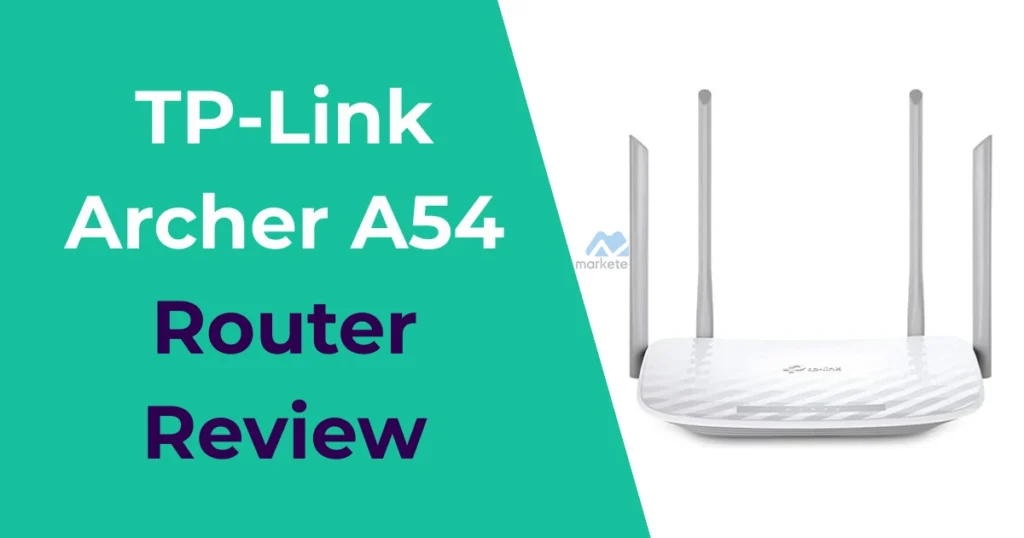

The TP-Link Archer A54 Router is an affordable AC1200 dual-band Wi-Fi 5 router tailored for basic home networking. It delivers reliable connectivity for everyday tasks like browsing, streaming, and connecting multiple devices in smaller spaces. This review explores its performance and features to guide buyers on whether the TP-Link Archer A54 suits their needs.
Pros and Cons of the TP-Link Archer A54
TP-Link Archer A54 Specifications
In the entry-level Wi-Fi 5 router category, the TP-Link Archer A54 features:
- Wireless Standards — IEEE 802.11ac (Wi-Fi 5), backward compatible with 802.11a/b/g/n.
- Bands and Speeds — Dual-band with 2.4 GHz (up to 300 Mbps) and 5 GHz (up to 867 Mbps), totaling AC1200.
- Processor — Efficient chipset for basic multi-device handling.
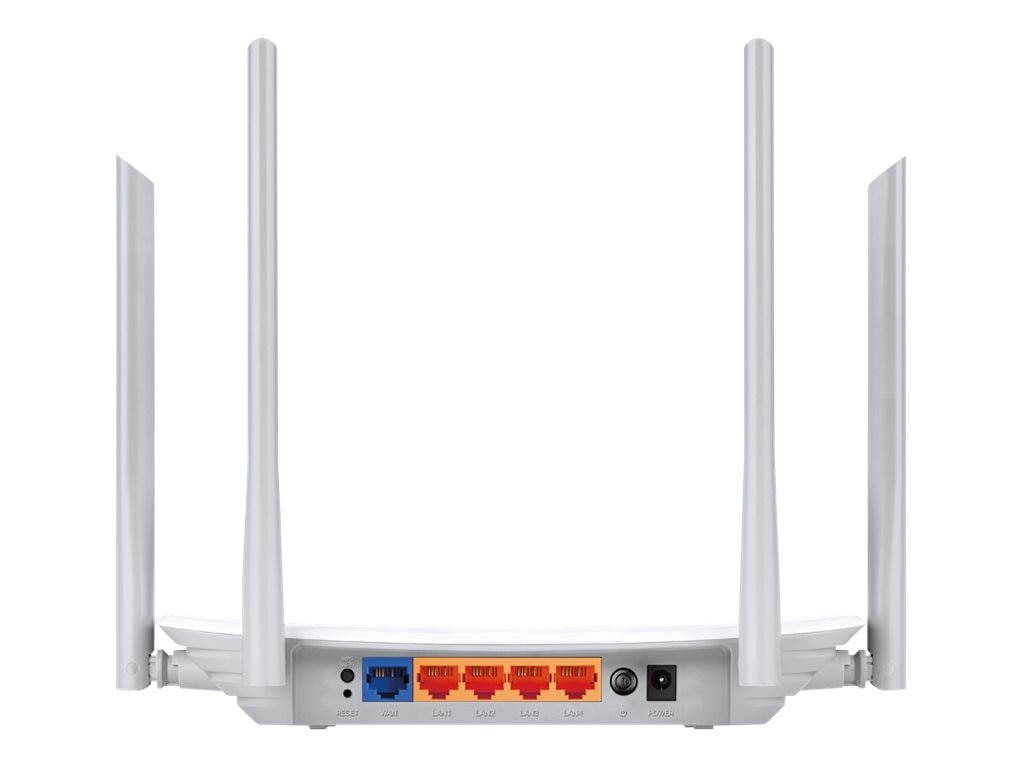
- Ports — 1 x 10/100 Mbps WAN port and 4 x 10/100 Mbps LAN ports.
- Antennas — 4 external high-performance antennas with beamforming.
- Security — WPA3 support, parental controls, guest network, and SPI firewall.
- Additional Features — MU-MIMO, EasyMesh compatibility for expansions, access point/range extender modes, and Tether app management.
These specs make the TP-Link Archer A54 suitable for homes with moderate demands and slower internet connections.
Pros
- Excellent value as a budget Wi-Fi 5 router, ideal for users with internet plans up to 100 Mbps.
- Dual-band support with MU-MIMO for better handling of multiple devices simultaneously.
- Four external antennas and beamforming provide solid coverage in small to medium homes.
- Easy setup via the Tether app and supports modes like access point or range extender.
- Includes parental controls, guest network, and IPv6 compatibility for modern networks.
Cons
- Limited to Fast Ethernet ports (10/100 Mbps), capping wired speeds below Gigabit levels.
- No Wi-Fi 6 support, so it lacks future-proofing for faster devices or higher-speed plans.
- Occasional stability issues in access point mode, such as random disconnects requiring reboots.
- No USB port for sharing storage or printers, common in higher-end models.
- Performance can drop in crowded Wi-Fi environments due to older AC standard.
Design and Features of the TP-Link Archer A54
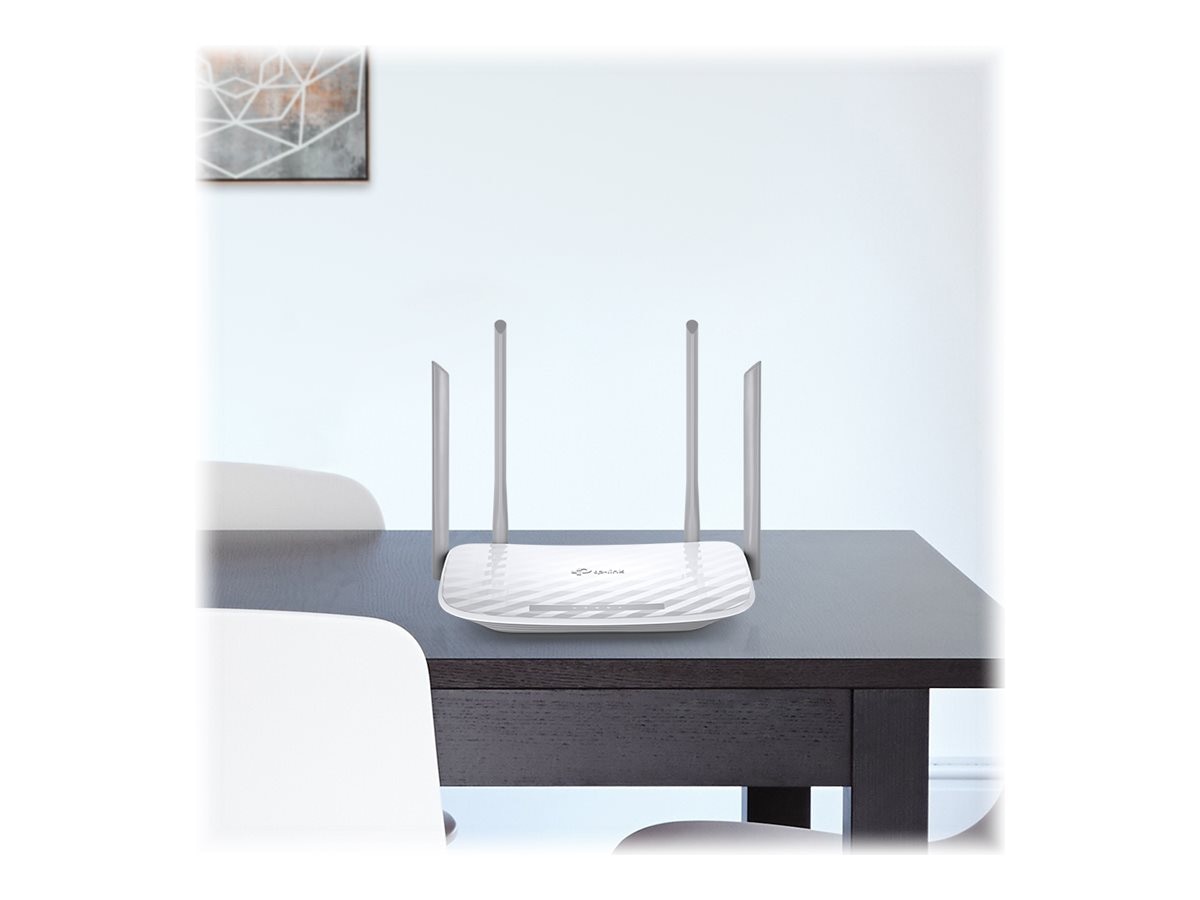
The TP-Link Archer A54 has a compact, matte finish with four adjustable external antennas for improved signal direction. Its understated design fits easily on shelves or desks. Key features include beamforming to strengthen signals toward devices and MU-MIMO for efficient multi-device streaming—standard for AC1200 routers.
Expected perks involve simple app-based management and guest Wi-Fi isolation. Common limitations include no Gigabit ports, restricting wired performance. Typical scenarios cover apartments or small homes (up to 1,200-1,500 sq ft) with 10-20 devices for HD streaming, web browsing, or smart home control.

For hands-on visuals, watch this Video:
Setup and Installation of the TP-Link Archer A54
Setup for the TP-Link Archer A54 is beginner-friendly, usually completing in 10-15 minutes via the Tether app or web interface at tplinkwifi.net. Connect to your modem, configure networks, and add features like parental controls. It works with major ISPs requiring a separate modem.
Users occasionally face initial detection issues, but resets resolve them. Perfect for entry-level users in small spaces needing quick Wi-Fi for tablets, phones, or basic streaming.
Performance and Speed Tests for the TP-Link Archer A54
Tests reveal the TP-Link Archer A54 achieving 300-500 Mbps on 5GHz close-range, adequate for HD video and casual use. The 2.4GHz band offers better penetration but slower speeds around 100-200 Mbps through walls. MU-MIMO helps with concurrent devices like smart lights or laptops.
Limitations emerge with faster internet plans, as Fast Ethernet ports cap at 100 Mbps wired. Suited for households with 15-25 devices on lighter tasks.
Who the TP-Link Archer A54 Is For / Ideal Use Cases
The TP-Link Archer A54 appeals to budget buyers needing a simple Wi-Fi 5 upgrade in compact homes. It’s great for low-speed plans, basic streaming, or as an access point/extender. Avoid for Gigabit internet or large homes—consider Wi-Fi 6 options.
Competitors like the TP-Link Archer C54 offer similar performance, while the Archer AX55 provides Wi-Fi 6 upgrades. For cost-effective basics, the TP-Link Archer A54 offers strong reliability.
Verdict / Conclusion on the TP-Link Archer A54
The TP-Link Archer A54 excels as a no-frills AC1200 router providing dependable coverage and ease for everyday needs. It prioritizes affordability over speed but may need tweaks for stability. Ideal for entry-level setups—typically priced $30-50 on Amazon.
Similar Products / Alternatives to the TP-Link Archer A54
- TP-Link Archer C54 → Very similar AC1200 with comparable features and limitations.
- TP-Link Archer AX21 → Wi-Fi 6 upgrade for better speeds and future-proofing.
- Netgear R6120 → Budget AC1200 alternative with solid app support.
- Asus RT-AC1200 → Comparable dual-band with slightly better range in tests.
These appear frequently in searches for affordable dual-band routers.
FAQs About the TP-Link Archer A54
Why are wired speeds limited on the TP-Link Archer A54?
It uses Fast Ethernet (10/100 Mbps) ports, capping connections at 100 Mbps. Forums note this makes it unsuitable for Gigabit plans, unlike models with Gigabit ports.
Is the TP-Link Archer A54 easy to set up?
Yes, most praise the quick Tether app process. Occasional WAN detection issues occur, but resets or cable checks resolve them, per community discussions.
Can the TP-Link Archer A54 handle 4K streaming?
It manages HD/4K on the 5GHz band for a few devices, but performance drops with multiple streams or distance. Users recommend it for basic streaming on slower plans.
Is the TP-Link Archer A54 worth buying in 2026?
For budget needs under 100 Mbps, yes—it's reliable and cheap. Reddit and forums suggest upgrading to Wi-Fi 6 like the AX series for faster internet or more devices.