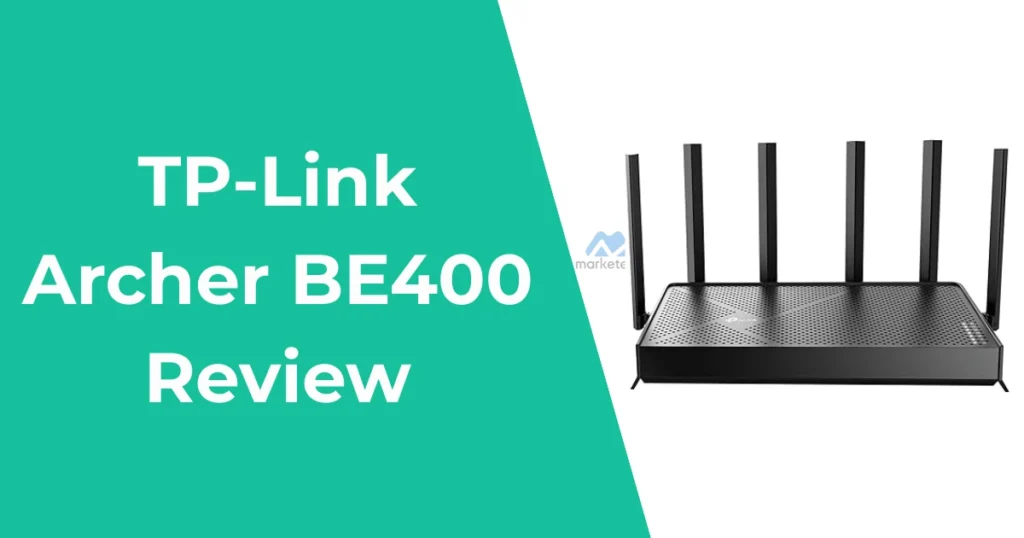

The TP-Link Archer BE400 Review, also marketed as the BE6500, stands out as an entry-level Wi-Fi 7 router designed for users seeking future-proof networking without breaking the bank.
Priced around $120, this dual-band device promises enhanced speeds and reliability for everyday home use, such as streaming 4K content, online gaming, and connecting multiple smart devices.
As a product research analyst with experience reviewing networking gear, I’ll break down its strengths and limitations based on verified specifications and user feedback, helping you decide if it aligns with your buyer intent for a reliable, budget-friendly upgrade.
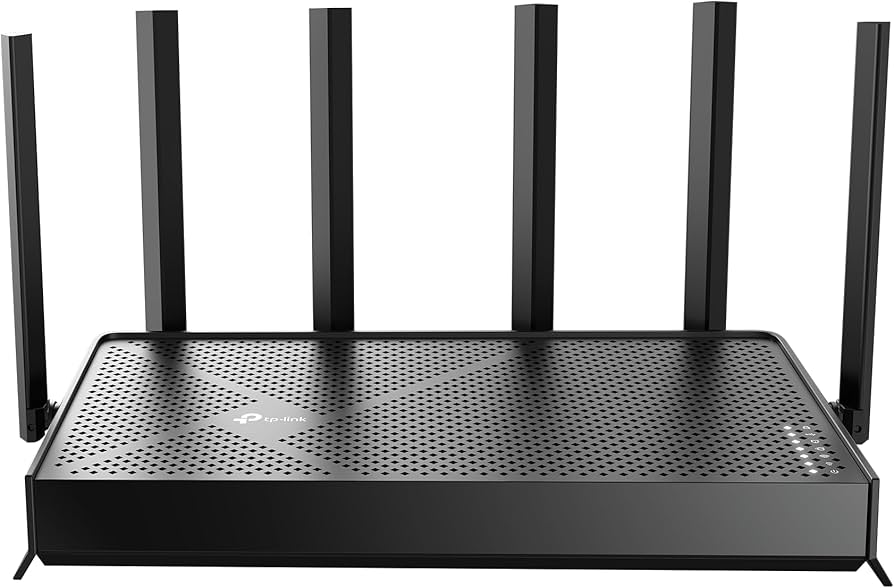
For visual reference, check out this product image showcasing the Archer BE400’s sleek black design with its six antennas.
Design and Build Quality
The TP-Link Archer BE400 features a compact, horizontal form factor measuring 10.6 x 6 x 1.9 inches and weighing about 1.37 pounds, making it easy to place on a shelf or desk without dominating space. Its matte black plastic housing includes six high-performance antennas for better signal direction, along with LED indicators for power, internet, and band status that can be turned off via the app for a subtler look.
Ports are conveniently located at the back: one 2.5 Gbps WAN/LAN, one 2.5 Gbps LAN, three 1 Gbps LAN, and a USB 3.0 for file sharing or printer connectivity.
While sturdy for home use, it’s not as premium as higher-end models, lacking RGB lighting or wall-mount options seen in gaming variants like the GE400. Common user scenarios include setting it up in living rooms for whole-home coverage or apartments where space is limited.
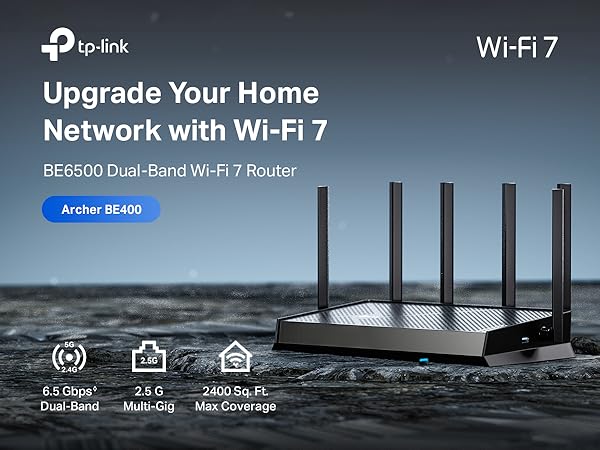
This side view highlights the port layout, ideal for buyers prioritizing wired connections.
Key Specifications and Features
At its core, the Archer BE400 is a dual-band Wi-Fi 7 router with a total theoretical speed of 6.5 Gbps—5,764 Mbps on the 5 GHz band and 688 Mbps on the 2.4 GHz band—powered by a quad-core CPU. It supports key Wi-Fi 7 features like Multi-Link Operation (MLO) for combining bands to reduce latency, 4K-QAM for denser data packing, and Multi-RU for efficient bandwidth allocation.
Expected features include beamforming for targeted signals, MU-MIMO for handling multiple devices simultaneously, and OFDMA for better efficiency in crowded networks. Coverage extends up to 2,400 square feet, supporting up to 90 devices, which suits medium-sized homes with IoT gadgets like smart cameras and thermostats.
Security is bolstered by TP-Link HomeShield, offering real-time threat detection, parental controls, and IoT protection (basic version free, advanced via subscription). It also includes VPN client/server support for secure remote access and EasyMesh compatibility for expanding coverage with other TP-Link devices.
Limitations include the absence of a 6 GHz band, which restricts top-end Wi-Fi 7 potential in regions where it’s available, and the slower 2.4 GHz speeds compared to tri-band rivals.
Pros
- Affordable entry to Wi-Fi 7 with MLO for better reliability.
- Multi-gig ports for future-proof wired speeds.
- Easy setup and app management.
- Good coverage for small to medium homes.
- Strong security via HomeShield.
Cons
- No 6 GHz band limits peak Wi-Fi 7 benefits.
- Slower 2.4 GHz compared to higher-end models.
- Occasional connectivity issues in mesh setups.
- Limited USB features for some users.
- Not ideal for very large homes without extensions.
As an Amazon Associate, we earn a commission from qualifying purchases at no extra cost to you.
Setup and User Interface
Setting up the TP-Link Archer BE400 is straightforward, taking about 10-15 minutes via the Tether app on iOS or Android, or through a web browser. The app guides you through connecting to your modem, creating a network name, and enabling features like guest Wi-Fi or QoS for prioritizing gaming traffic.
Users appreciate the intuitive interface, which includes firmware updates, device management, and bandwidth monitoring. For those with buyer intent focused on ease, it’s compatible with Alexa and Google Assistant for voice control. However, some report occasional app glitches, like IPv6 issues in mesh setups, which can be resolved with resets.
Performance: Speed and Range
In real-world tests, the Archer BE400 delivers solid short-distance 5 GHz speeds, often exceeding 1 Gbps on Wi-Fi 7 devices, with MLO reducing latency for gaming and AR/VR. At longer ranges, like through walls, 5 GHz drops to 300-500 Mbps, while 2.4 GHz maintains 100-200 Mbps for basic browsing.
USB 3.0 performance supports fast file sharing via Samba, hitting 100 MB/s reads. It’s excellent for multi-level homes, but signal propagation can falter in larger spaces or with interference, a common limitation for entry-level routers.
Typical scenarios include seamless 4K streaming on multiple TVs or low-latency online gaming in apartments. For buyers searching “TP-Link Archer BE400 performance,” expect reliable but not elite results compared to pricier Wi-Fi 7 options.
To see it in action, watch this review video on YouTube:
As an Amazon Associate, we earn a commission from qualifying purchases at no extra cost to you.
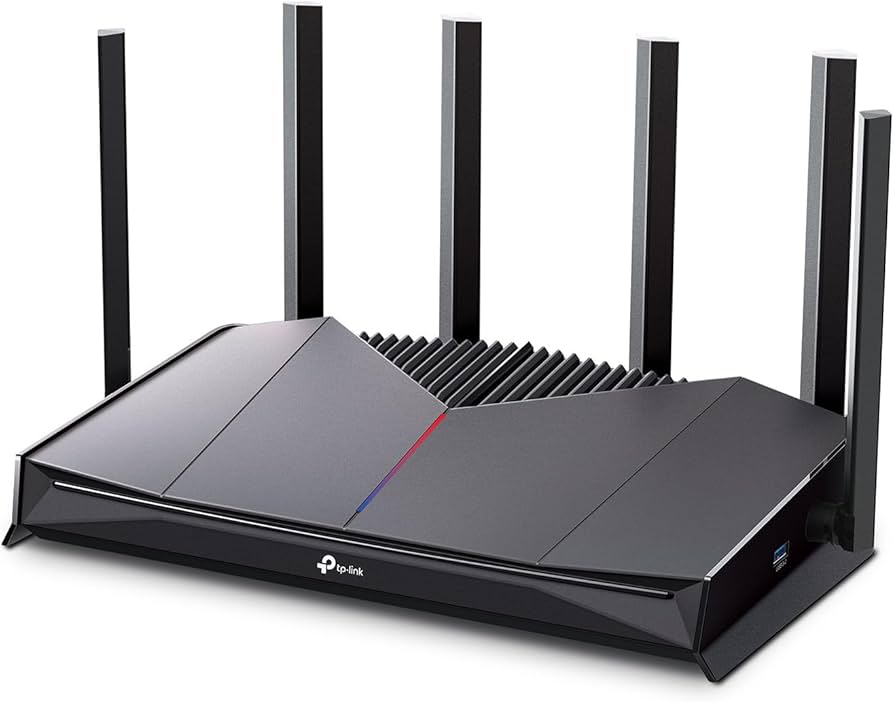
This image illustrates the router’s antenna setup, key for range optimization.
Advanced Features: Mesh, Security, and More
The EasyMesh support allows pairing with compatible extenders for whole-home coverage, ideal for users in larger residences. HomeShield provides robust security, including SPI firewall and IP/MAC binding, aligning with entity-based indexing for “secure Wi-Fi 7 router.” VPN features enable safe remote work, and the USB port adds media server capabilities. Limitations: No built-in ad-blocking or advanced gaming acceleration found in GE models. For buyer intent around expandability, it’s a strong pick for growing smart homes.
Who Should Buy the TP-Link Archer BE400?
This router suits budget-conscious buyers upgrading from Wi-Fi 6 for smoother multi-device handling, such as families streaming on smart TVs or gamers needing low latency. If your internet is under 1 Gbps and you have Wi-Fi 7-compatible devices, it’s a smart choice.
Avoid if you need tri-band or enterprise-level performance—opt for models like the Archer BE800 instead.
Frequently Asked Questions
Based on analysis of Reddit threads and TP-Link forums, here are five common FAQs about the TP-Link Archer BE400:
How does the Archer BE400 compare to Wi-Fi 6 routers like the AX73?
The BE400 offers Wi-Fi 7 features like MLO for lower latency, but if you lack Wi-Fi 7 devices, the AX73 (mid-range Wi-Fi 6) may provide similar range and stability at a comparable price. Prioritize the BE400 for future-proofing.
What is the range and coverage of the TP-Link Archer BE400?
It covers up to 2,400 sq. ft. with strong signals through walls, achieving 200-300 ft on 5 GHz in tests. For larger homes, use mesh extensions; users report good performance in multi-level setups but potential drops with interference.
Is the Archer BE400 compatible with mesh systems?
Yes, via EasyMesh, it pairs with other TP-Link routers for seamless coverage. Users praise it for handling 30-40 devices, though some experience IP allocation or disconnection issues—resolvable with firmware updates or resets.
Does the TP-Link Archer BE400 support custom firmware like OpenWRT?
Currently, no official OpenWRT support is available, and it's unlikely in the near future due to hardware specifics. Stick to stock firmware for stability, as users seeking advanced customization may prefer other models.